Connect your accounts through Truthifi, then run this prompt in any AI that supports your Truthifi MCP. The AI pulls your current pooled fund holdings—ETFs, mutual funds, CITs—and compares each one against similar funds available in the market. Money market and cash-equivalent holdings are excluded automatically, since those live in a different risk universe. What you'll see: your fund, its expense ratio, its returns, its volatility—and next to it, the closest lower-cost alternative that matches or beats it on those same metrics. At the bottom, a projected annual savings figure based on your actual balances. No research required beforehand. The prompt does the comparison work.
Connect your accounts through Truthifi, then run this prompt in any AI that supports your Truthifi MCP. The AI pulls your current pooled fund holdings—ETFs, mutual funds, CITs—and compares each one against similar funds available in the market. Money market and cash-equivalent holdings are excluded automatically, since those live in a different risk universe. What you'll see: your fund, its expense ratio, its returns, its volatility—and next to it, the closest lower-cost alternative that matches or beats it on those same metrics. At the bottom, a projected annual savings figure based on your actual balances. No research required beforehand. The prompt does the comparison work.
Connect your accounts through Truthifi, then run this prompt in any AI that supports your Truthifi MCP. The AI pulls your current pooled fund holdings—ETFs, mutual funds, CITs—and compares each one against similar funds available in the market. Money market and cash-equivalent holdings are excluded automatically, since those live in a different risk universe. What you'll see: your fund, its expense ratio, its returns, its volatility—and next to it, the closest lower-cost alternative that matches or beats it on those same metrics. At the bottom, a projected annual savings figure based on your actual balances. No research required beforehand. The prompt does the comparison work.
The gap we just closed
Your credit card transactions now show up right alongside everything else in Explore, and through your AI agent if you've connected it.
Truthifi started as an investment monitoring platform. Our first version of the spending report was built around debit transactions, since that's where our roots were. If you did most of your spending on a credit card, you were only ever seeing part of the picture.

The full picture in Explore
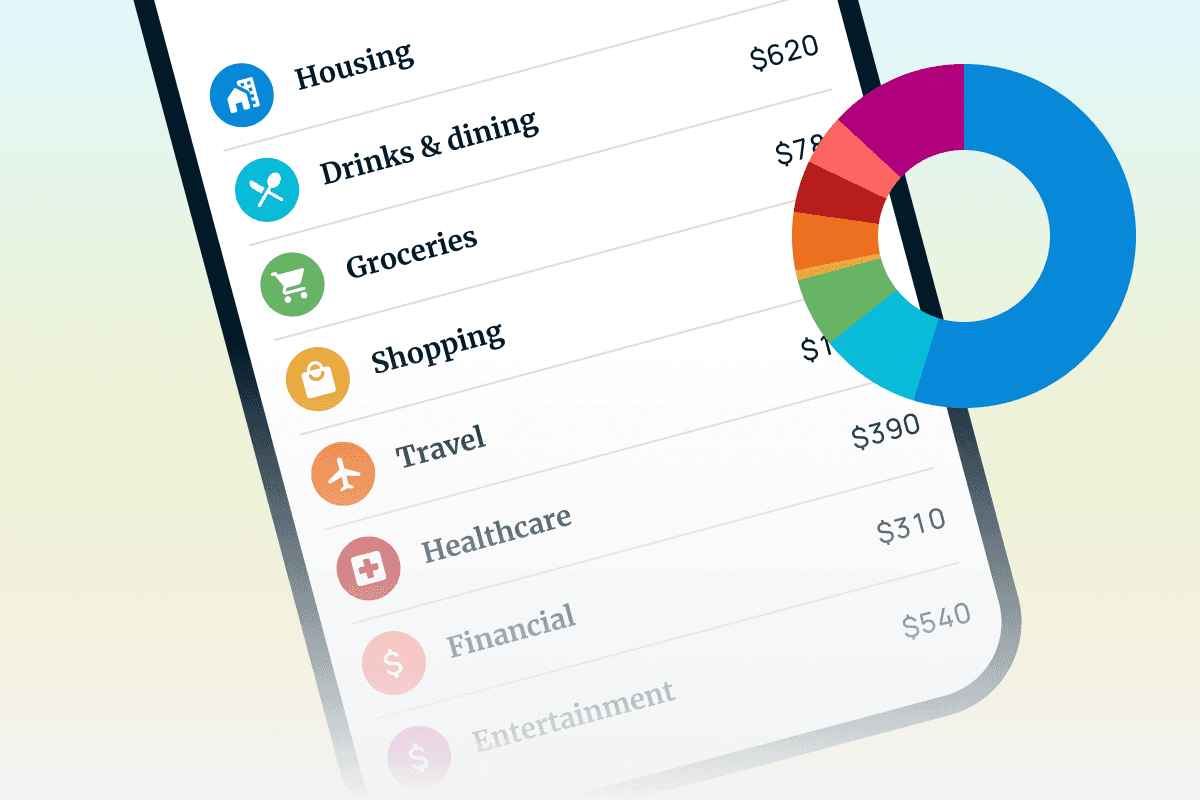
Head to Explore > Spending and you'll now see credit card transactions normalized alongside your checking account transactions. Same categorization, same merchant cleanup, same level of detail you already trust for the rest of your accounts. No separate tab, no second report to check. Just what you're actually spending, wherever it's coming from, all in one place.
Ask your AI agent about it, too
If you've granted your AI assistant access to Truthifi through our MCP server, credit card transactions are now part of what it can see through the get_transactions tool. Ask it to break down last month's spending, flag anything unusual, or compare categories over time, and it'll have the full transaction history to work with, not just the debit half.

