What is an MCP server?
MCP (or Model Context Protocol) is an open standard that lets AI assistants connect to external data sources and tools. Truthifi MCP is a server built on this standard, giving AI assistants like Claude, ChatGPT, and Perplexity secure, read-only access to your real financial accounts.
Truthifi MCP
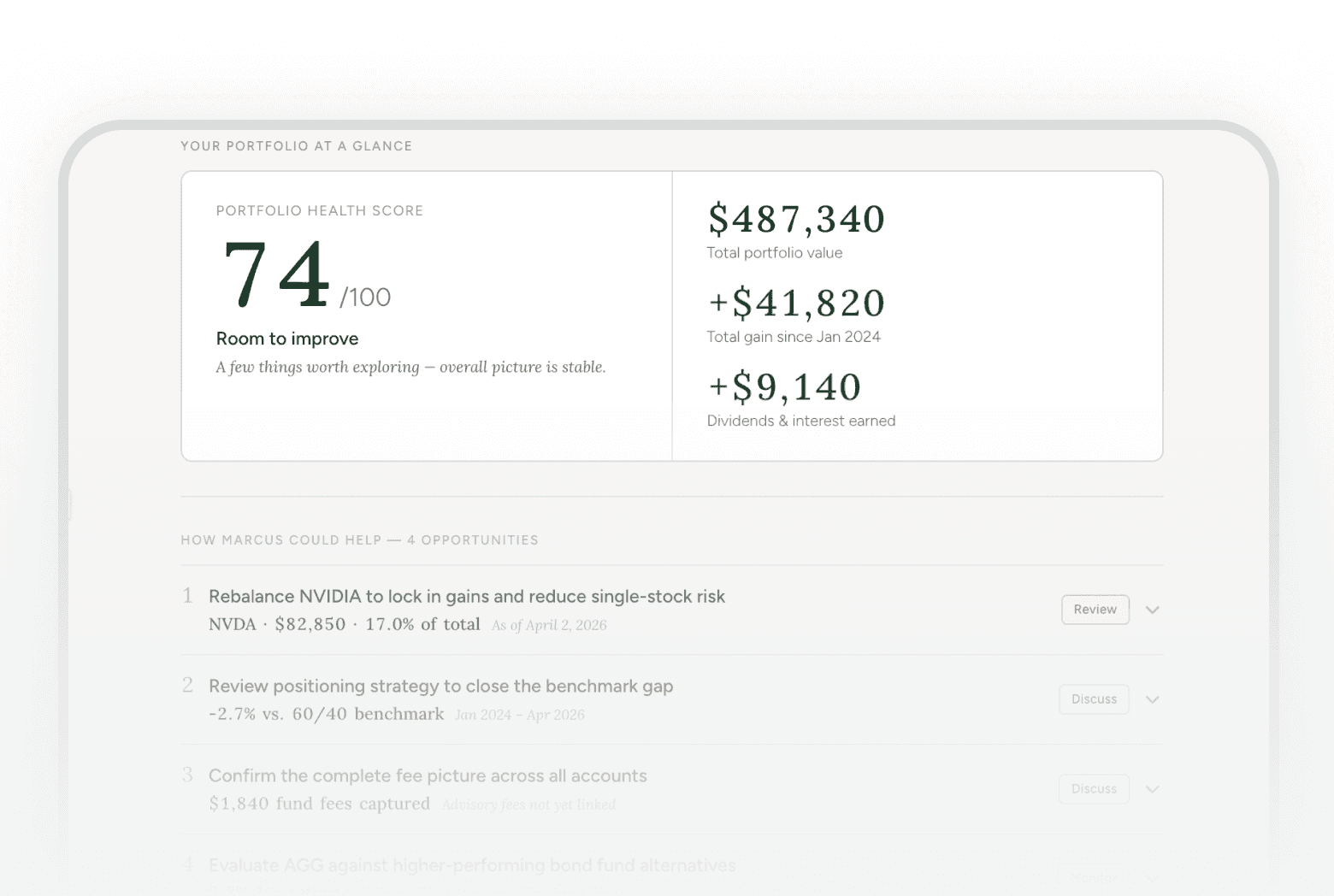
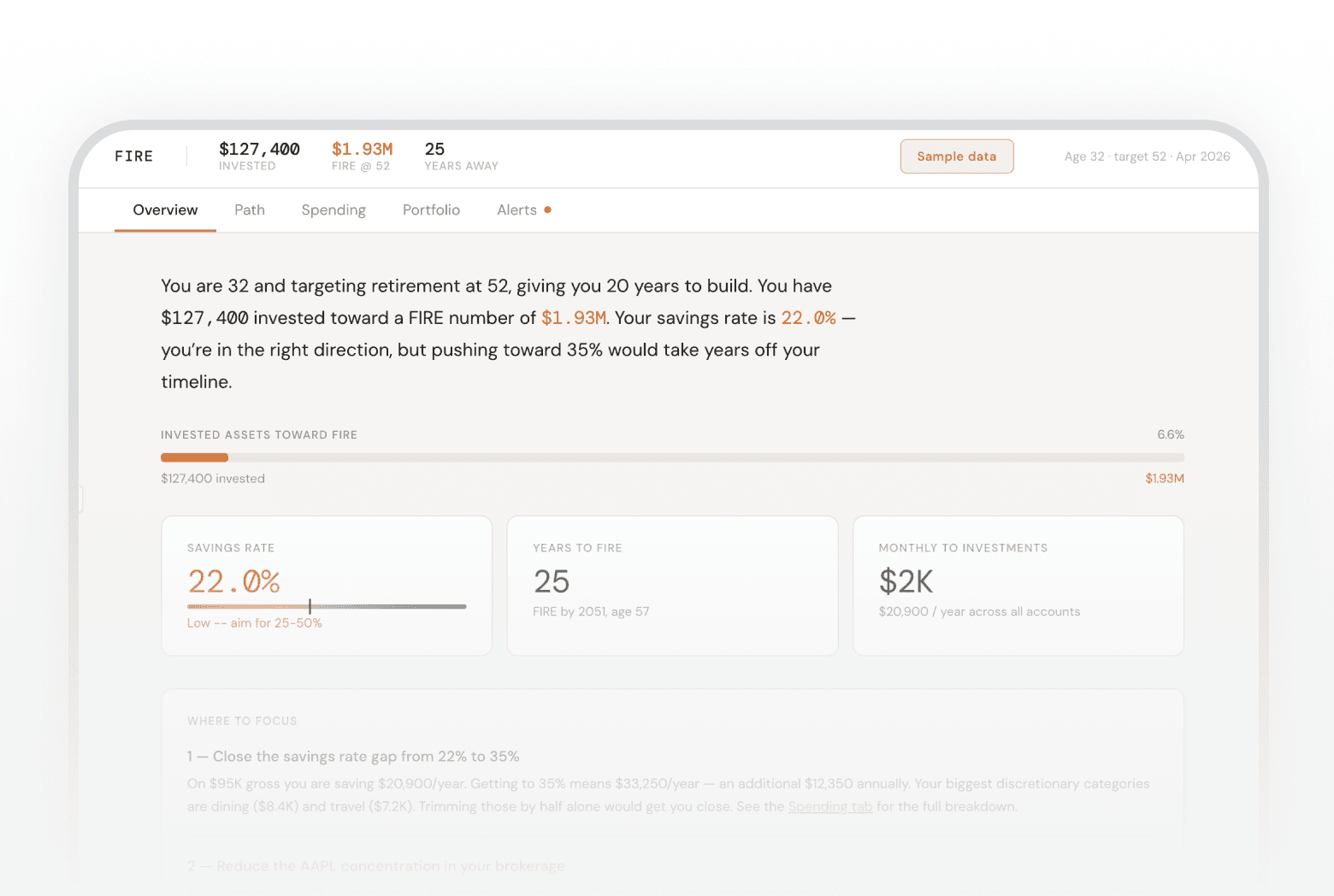
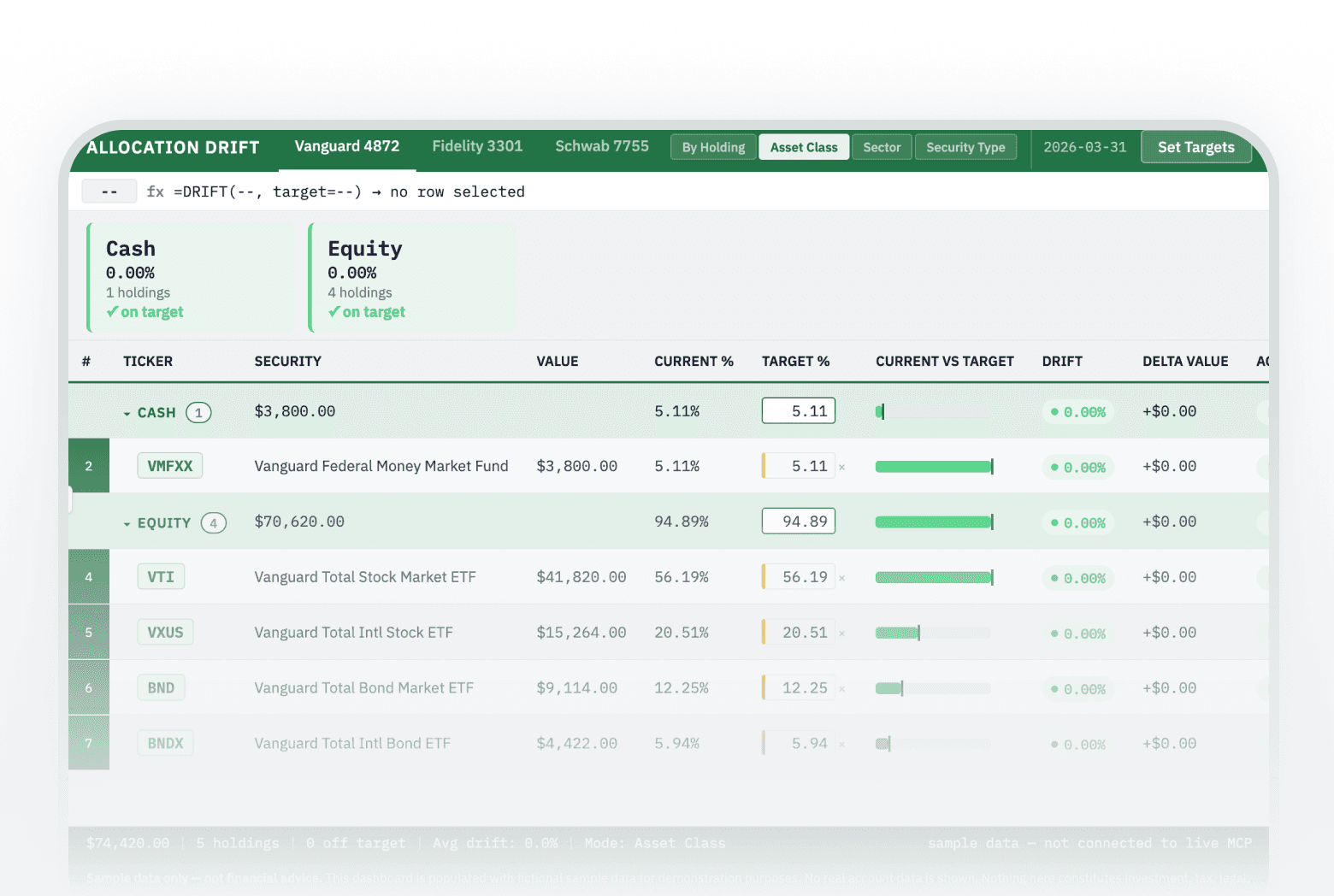
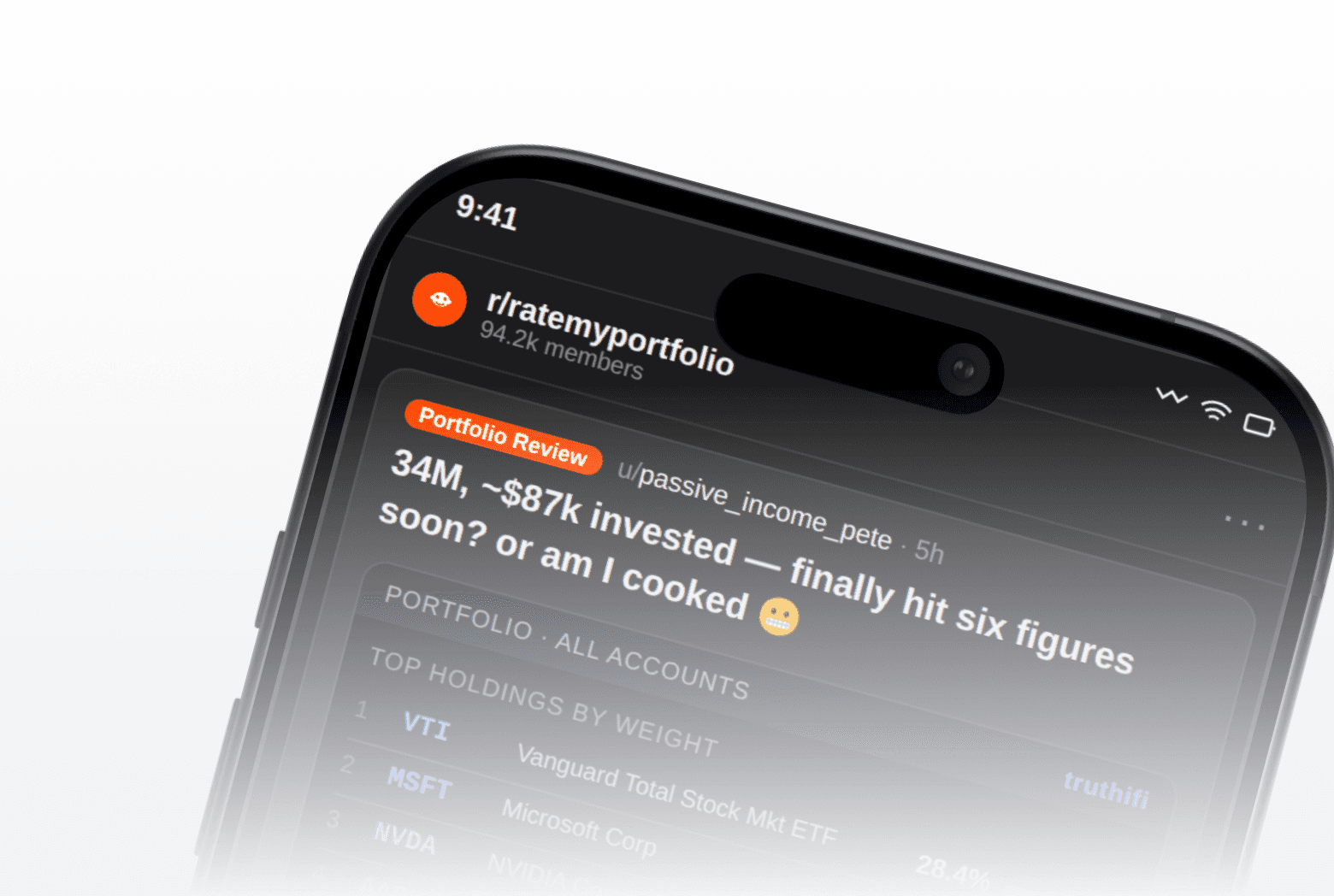
Truthifi MCP is a Model Context Protocol server that gives AI assistants secure, read-only access to your connected financial accounts. Ask questions about your portfolio, fees, performance, spending, and financial health directly in Claude, ChatGPT, Grok, Perplexity, or any MCP-compatible AI client—without copying or pasting data.
Compatible AI clients: Claude, ChatGPT, Grok, Perplexity, and any client that supports MCP.
Truthifi MCP is built from the ground up to serve consumers, advisors and firms, connecting your AI assistant directly to your investment accounts, spending history, financial health diagnostics, and advisor data. And it’s the only finance MCP server built to decode complex financial data so consumers can use it and share it with the professionals who serve them. If you add your financial advisor to Truthifi, our MCP can analyze the accounts they manage specifically and help strengthen your relationship by generating meeting agendas and other talking points.
What you need
You’ll need an authenticated Truthifi account to get started. Most of our MCP tools also require at least one connected financial account in order to work, and some tools require a paid subscription to access. Once connected, your assistant can discover the tools automatically. You ask questions in plain language, it picks the right tool. (Example values are illustrative, not real account data.)
The Truthifi MCP server uses the Streamable HTTP transport at a single endpoint:
https://api.truthifi.com/mcp
How it works
Read-only access to your accounts. Your AI assistant can’t move money, place trades or change anything at your bank or brokerage. Three of the 30 tools change data inside Truthifi, and each is marked: create_asset_liability, delete_asset_liability and run_scan.
You choose the fields. Read tools take an
includelist, so only the needed fields come back. Example outputs below show a representative, fuller set.
Account scope. Most tools accept an optional
accountIdslist. Omit it for your whole portfolio.
Get clarification anytime. Ask Claude: "how do I use get_transactions?" and your agent will be able to explain it to you.
Plans & credits
Our MCP server is included in every current consumer plan. Generally speaking, the more you pay, the more daily and monthly credits and connections to financial institutions are included in your plan.
Most tool calls cost 1 credit, with a few exceptions: get_dated_holdings costs 2 credits, and run_scan costs 3 credits, since it triggers a live data refresh directly from your financial institution. Nine tools cost no credits: get_truthifi_info, get_scan_status, get_subscription_info, get_subscription_catalog, get_prompt_catalog, create_asset_liability, connect_account, fix_connections and upgrade. Some tools, including create_asset_liability, need a paid plan; see the table above.
get_transactions results are paginated. The number of transactions returned per call depends on your plan: 20 on Connect Explore and Free Checkup; 100 on Connect Pro and Monitoring; 150 on Connect Max and Monitoring Plus+.
get_truthifi_info (help and financial education) and get_scan_status are both free on all tiers.
Tools
Having trouble connecting Truthifi MCP? See the connection troubleshooting guide.