AI Prompts for Personal Finance

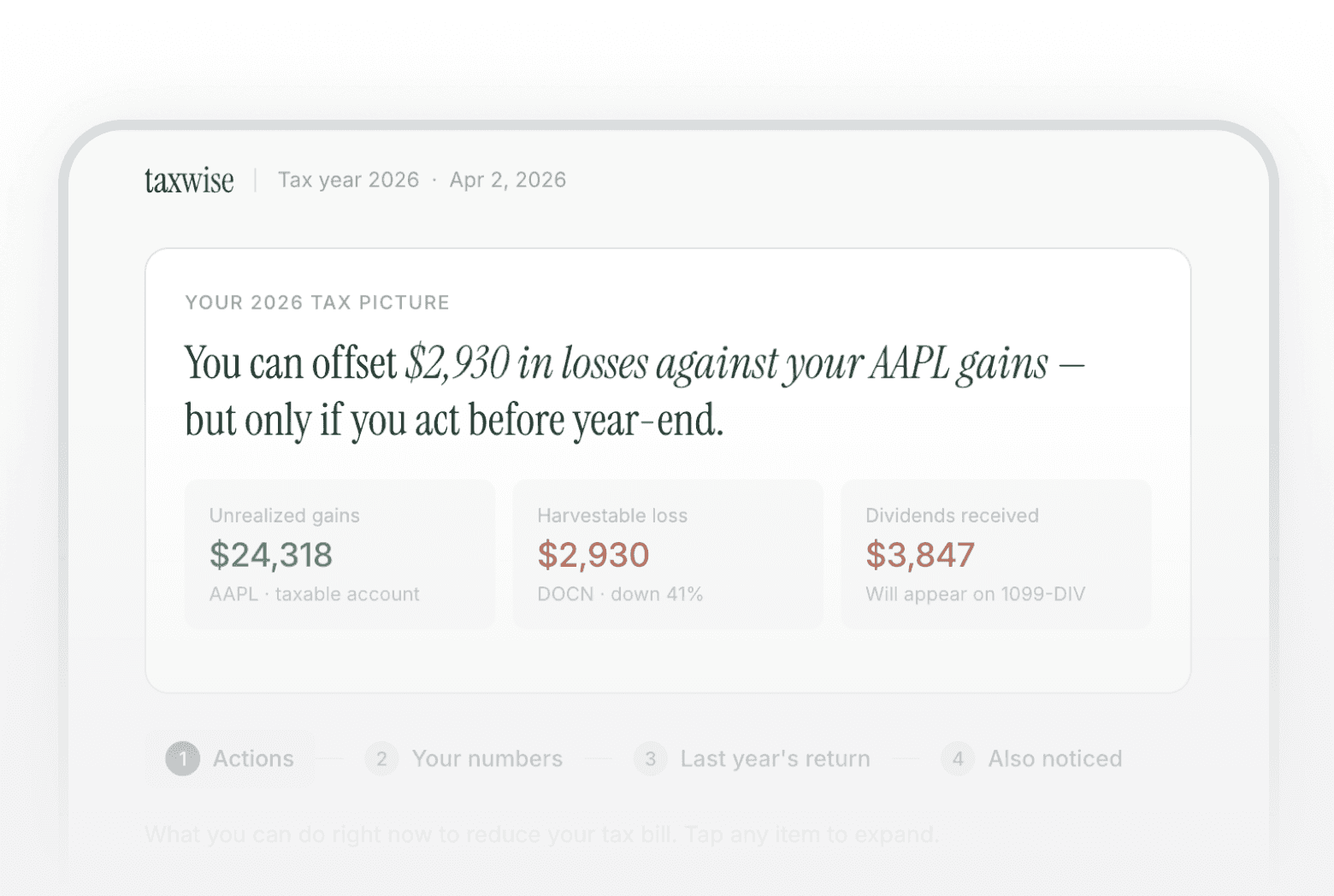
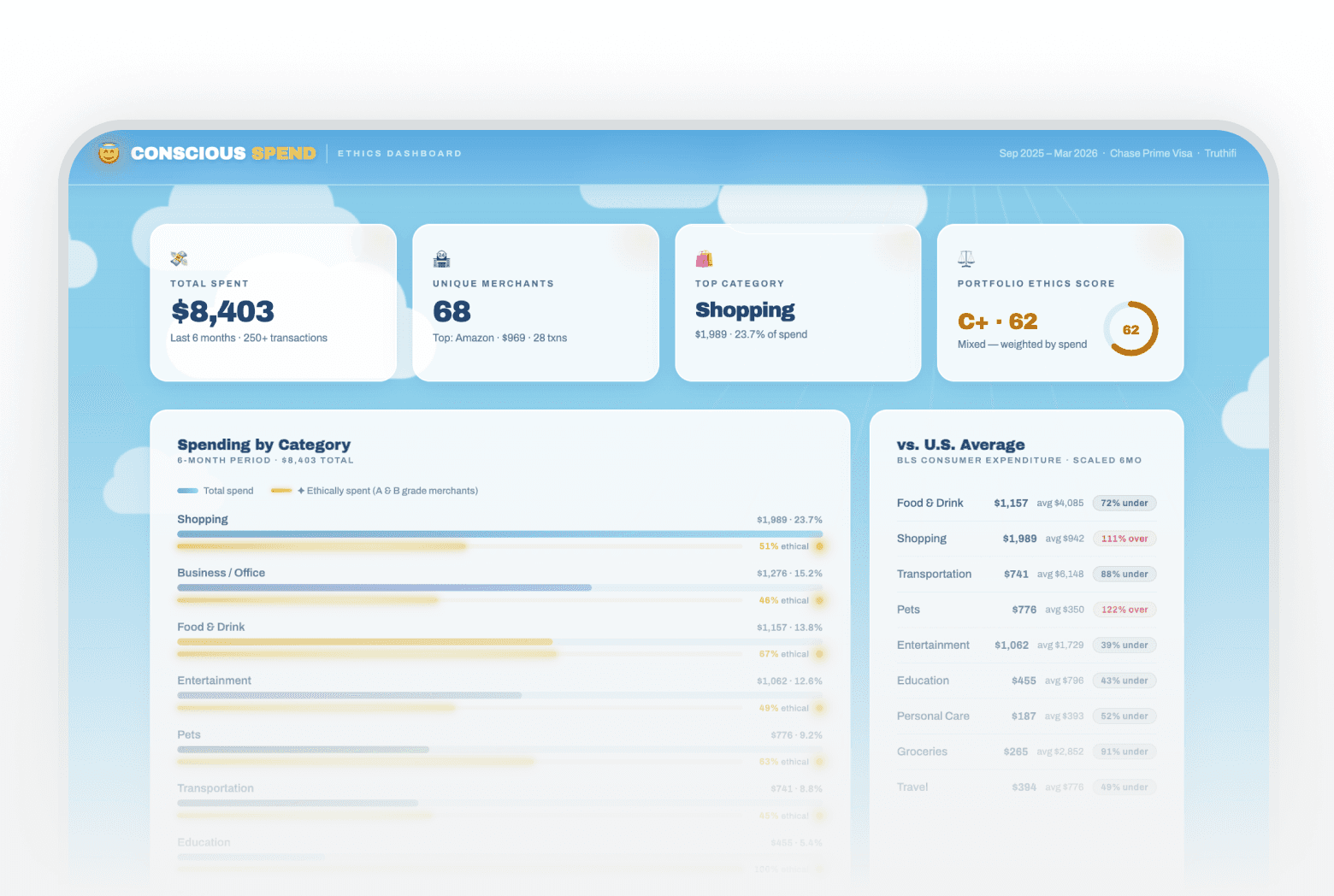
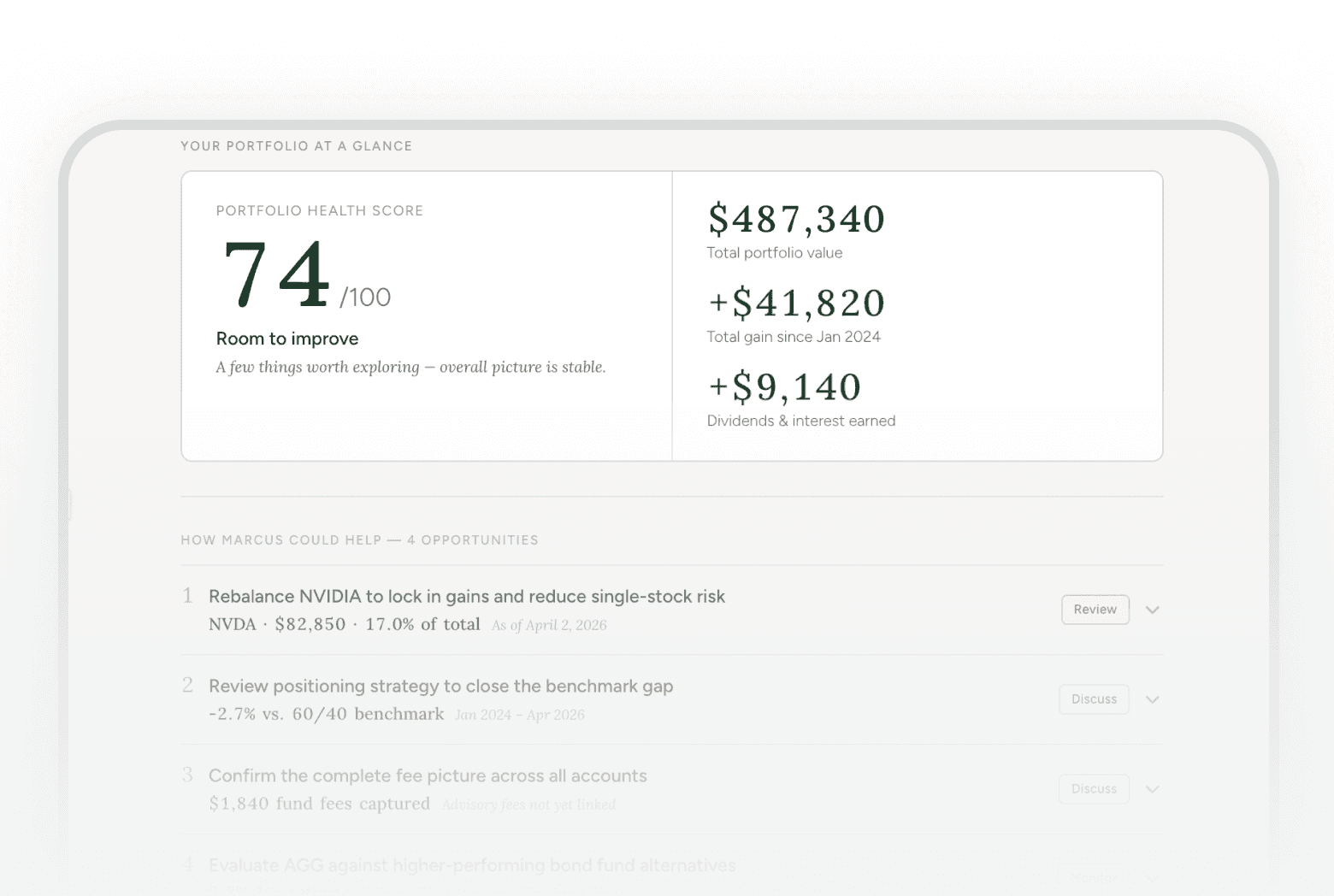
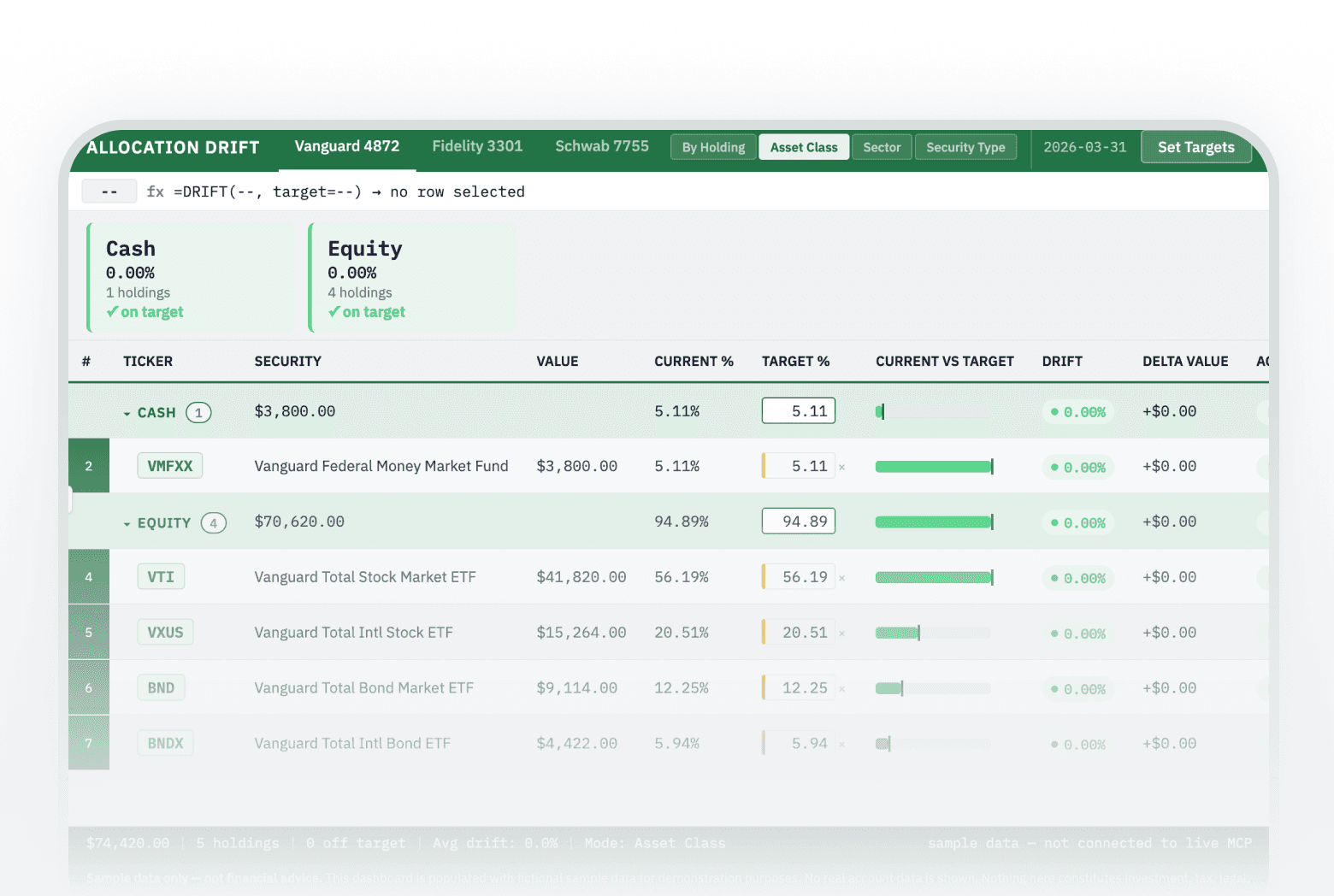
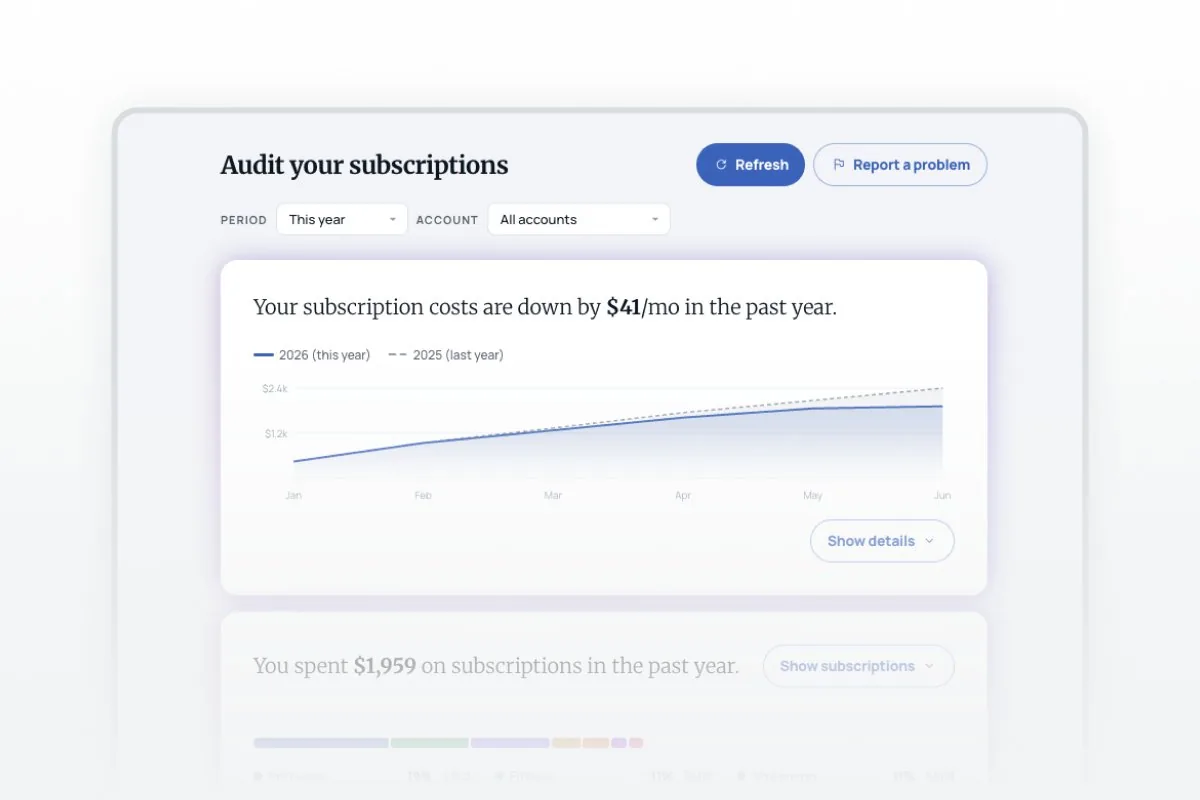
Most AI assistants give generic money advice because they can’t see your actual finances. These prompts change that — each one works from your real accounts through Truthifi, so you get answers about your own subscriptions, holdings, fees, and transactions instead of hypotheticals. Use them to audit recurring charges, map where your money is actually invested, prep for tax season or an advisor meeting, or model your path to financial independence. Every prompt is copy-paste ready and works across every account you’ve linked — no spreadsheets, no prompt engineering.

  1. Connect your accounts — Link your banks, brokerages, and retirement accounts to Truthifi (read-only).

  2. Connect your assistant — Add the Truthifi MCP to Claude, ChatGPT, or another compatible AI.

  3. Paste a prompt — Copy any prompt below and run it; you get an answer built on your live data.
Frequently asked questions

Do these prompts use my real financial data?

Yes. Once you connect your accounts to Truthifi, each prompt runs against your actual balances, holdings, transactions, and fees — not hypotheticals or a list you paste in.

Which AI assistants do they work with?

Any assistant that supports the Truthifi MCP, including Claude and ChatGPT. Copy a prompt, paste it into your connected assistant, and it pulls your live data to answer.

How do I get started?

Create a free Truthifi account, connect your bank, brokerage, and retirement accounts, then connect Truthifi to your AI assistant. After that, every prompt here works in one paste.

Is it safe to connect my accounts?

Connections are read-only and secured with bank-grade encryption. Truthifi monitors over $6 billion in assets across 18,000+ institutions; the assistant can read your data to answer, but can’t move money.

Do I need to know how to write prompts?

No. Every prompt is copy-paste ready and written to work as-is — paste it in and you get a structured answer or dashboard back.

What kinds of questions can I ask?

Anything grounded in your accounts: auditing subscriptions, mapping where your money is invested, checking fund fees and overlap, prepping for taxes or an advisor meeting, or modeling financial independence.

Is this financial advice?

No. The prompts surface and explain your own data; they don’t give personalized investment, tax, or legal advice. For decisions, talk to a qualified professional.

Frequently asked questions

Do these prompts use my real financial data?

Yes. Once you connect your accounts to Truthifi, each prompt runs against your actual balances, holdings, transactions, and fees — not hypotheticals or a list you paste in.

Which AI assistants do they work with?

Any assistant that supports the Truthifi MCP, including Claude and ChatGPT. Copy a prompt, paste it into your connected assistant, and it pulls your live data to answer.

How do I get started?

Create a free Truthifi account, connect your bank, brokerage, and retirement accounts, then connect Truthifi to your AI assistant. After that, every prompt here works in one paste.

Is it safe to connect my accounts?

Connections are read-only and secured with bank-grade encryption. Truthifi monitors over $6 billion in assets across 18,000+ institutions; the assistant can read your data to answer, but can’t move money.

Do I need to know how to write prompts?

No. Every prompt is copy-paste ready and written to work as-is — paste it in and you get a structured answer or dashboard back.

What kinds of questions can I ask?

Anything grounded in your accounts: auditing subscriptions, mapping where your money is invested, checking fund fees and overlap, prepping for taxes or an advisor meeting, or modeling financial independence.

Is this financial advice?

No. The prompts surface and explain your own data; they don’t give personalized investment, tax, or legal advice. For decisions, talk to a qualified professional.

Frequently asked questions

Do these prompts use my real financial data?

Yes. Once you connect your accounts to Truthifi, each prompt runs against your actual balances, holdings, transactions, and fees — not hypotheticals or a list you paste in.

Which AI assistants do they work with?

Any assistant that supports the Truthifi MCP, including Claude and ChatGPT. Copy a prompt, paste it into your connected assistant, and it pulls your live data to answer.

How do I get started?

Create a free Truthifi account, connect your bank, brokerage, and retirement accounts, then connect Truthifi to your AI assistant. After that, every prompt here works in one paste.

Is it safe to connect my accounts?

Connections are read-only and secured with bank-grade encryption. Truthifi monitors over $6 billion in assets across 18,000+ institutions; the assistant can read your data to answer, but can’t move money.

Do I need to know how to write prompts?

No. Every prompt is copy-paste ready and written to work as-is — paste it in and you get a structured answer or dashboard back.

What kinds of questions can I ask?

Anything grounded in your accounts: auditing subscriptions, mapping where your money is invested, checking fund fees and overlap, prepping for taxes or an advisor meeting, or modeling financial independence.

Is this financial advice?

No. The prompts surface and explain your own data; they don’t give personalized investment, tax, or legal advice. For decisions, talk to a qualified professional.